How to Open EML File in Windows 10 and 11

Quick Answer
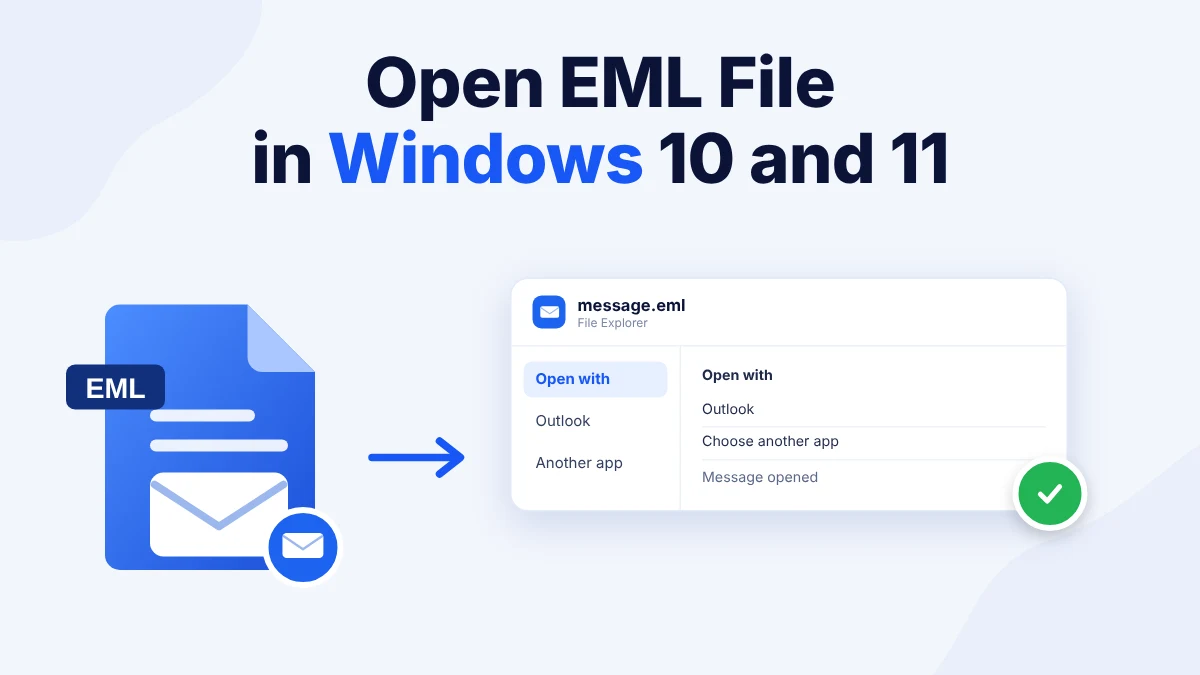
You can open EML file in Windows in three ways. The Open with menu selects an app for one file. Outlook opens the message in a mail window. A browser tool opens the file with no mail app. Windows has no default app for .eml files. Copy your .eml files before you start.
Table of Contents
- Why Does Windows Not Open EML Files by Default?
- Method 1: Open EML File in Windows With the Open With Menu
- Method 2: Open EML File in Windows With Outlook
- Method 3: Open EML File in Windows With a Browser Tool
- How Do You Fix EML Files That Do Not Open?
- Which Way Should You Open EML File in Windows?
- Frequently Asked Questions
Why Does Windows Not Open EML Files by Default?
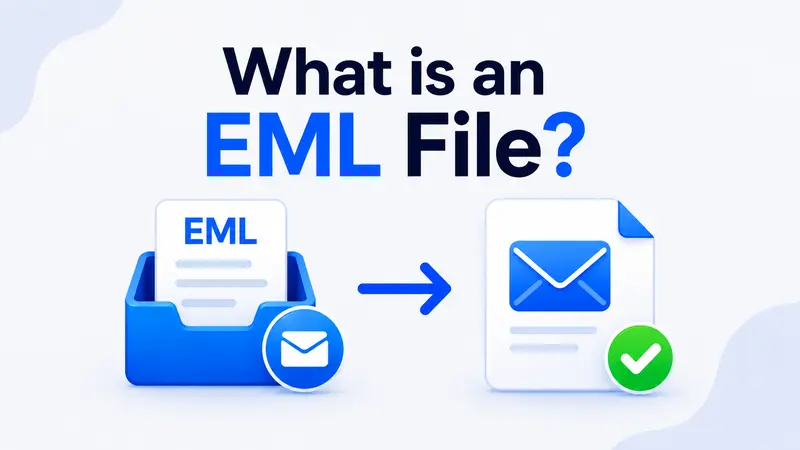
An EML file stores one email message. Windows only shows its icon and waits for you to choose an app. Users who want to open EML file in Windows therefore select the app the first time. Users can learn how the EML file format works to see why a mail app or a text editor is needed.
People open EML files in Windows after they receive a saved message by email or export one from a mail client. Others find EML files in a backup folder and want to read them. This guide shows how to open EML file in Windows with and without Outlook.
Method 1: Open EML File in Windows With the Open With Menu
Users with one file choose this method. It works with any app that opens email.
- Right click the .eml file in File Explorer.
- Select Open with.
- Select an app from the list or click Choose another app.
- Tick Always use this app to open .eml files if you want Windows to remember the choice.
- Click OK.
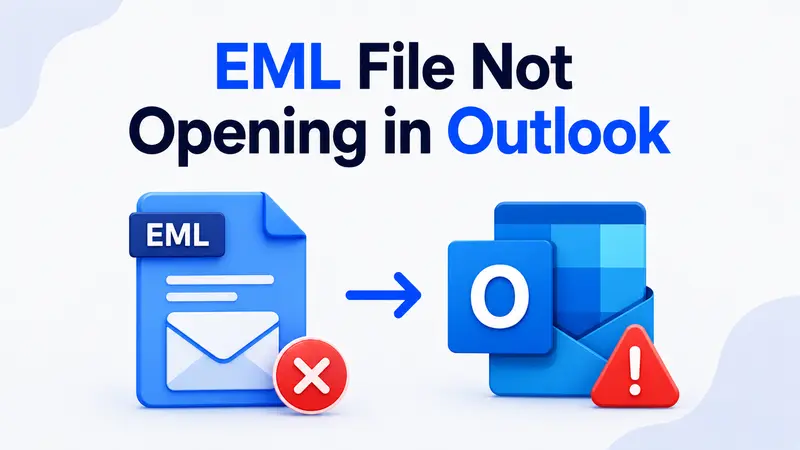
The message opens in the app you chose. Users who select Outlook and see an error can read why an EML file is not opening in Outlook.
Method 2: Open EML File in Windows With Outlook
Users who already have Outlook on the PC choose this method. Outlook shows the headers and the body and the attachments.
- Right click the .eml file and select Open with.
- Select Outlook.
- Read the message in the window that opens.
Outlook opens the message in its own window and does not add it to a folder. Users who prefer Thunderbird can read how to import EML files in Thunderbird.
No Mail App Needed
Open any EML file in your browser and see the message with its attachments.
Method 3: Open EML File in Windows With a Browser Tool
Users with no mail app choose this method. The EML Reader browser tool opens the message in your browser.
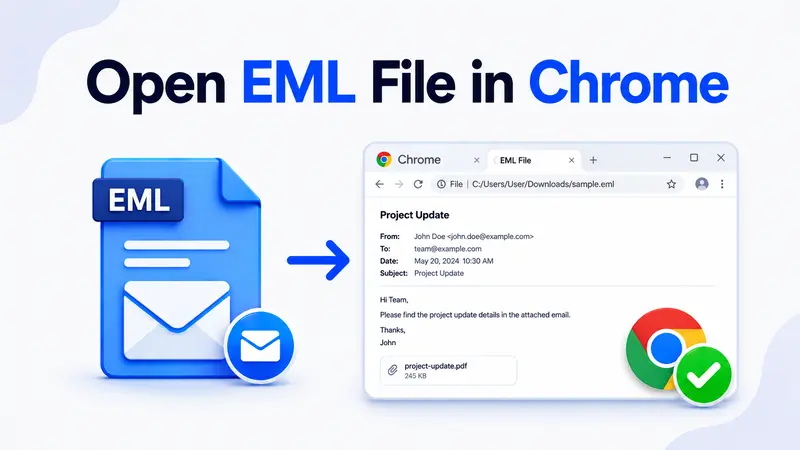
- Open the browser tool in Chrome or Edge.
- Select the .eml file from your PC.
- Read the headers and the body in the preview.
- Save the attachments from the attachment list.
The tool shows the message in a clean layout and does not change the file. Use it to open EML file in Windows when Outlook fails or when the PC has no mail app.
Read It in Your Browser
Open an EML file online and see the headers, the body and the attachments with no mail app.
How Do You Fix EML Files That Do Not Open?
- The file opens in the wrong app. Right click the file and select Open with again. Then choose the app you want. Users with a broken file association can read the fixes for an EML file that will not open in Outlook.
- The file opens as unreadable text. Open the file in the browser tool to see the message in a clean layout. The text is the encoded attachment.
- The message opens blank. The file may be damaged or empty. Open the same file in the browser tool to check that the headers exist.
- Attachments do not open. Save the attachments from the browser tool and open them from your PC.
Which Way Should You Open EML File in Windows?
The Open with menu fits one file. Outlook fits users who already have the app. The browser tool fits a PC with no mail app.
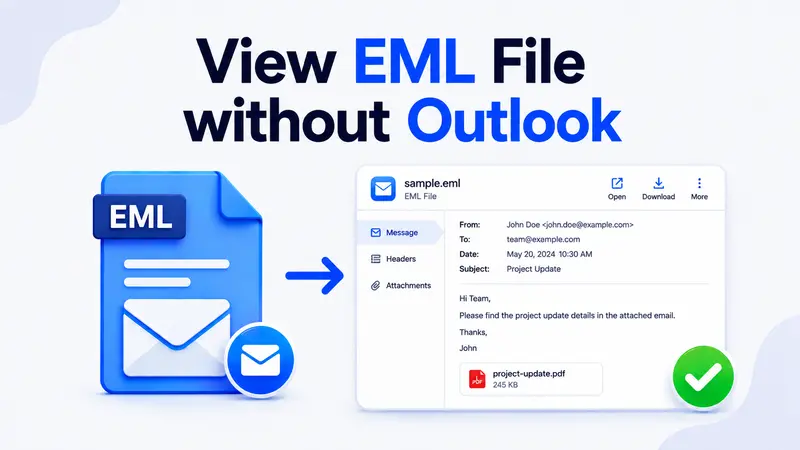
Copy your .eml files before you start so that you can repeat any step. Users who need a longer guide for other apps can read how to view an EML file without Outlook.
Frequently Asked Questions
Can I Open EML File in Windows Without Outlook?
Yes. A browser tool opens the file with no install. Thunderbird opens it too.
How Do I Open an EML File in Windows 10?
Right click the file and select Open with. Choose Outlook or another app. Windows 11 works the same way.
What App Opens EML Files on Windows by Default?
None. Windows has no default app for .eml files. It asks you to choose one the first time.
Can I Set a Default App for EML Files in Windows?
Yes. Select Open with then Choose another app. Tick the box to always use that app for .eml files.
Why Does an EML File Open as Plain Text?
A text editor shows the raw code because an EML file is plain text. A mail app or a browser tool shows the formatted message.
Which Browser Works to Open EML Files in Windows?
Chrome and Edge both work. Open the browser tool and select the .eml file from your PC.
Is It Safe to Open an EML File in Windows?
An EML file can carry a harmful attachment. Open the file in a browser tool first and scan any attachment before you open it.