EML vs MSG: What Is the Difference Between the Two Formats?

Quick Answer
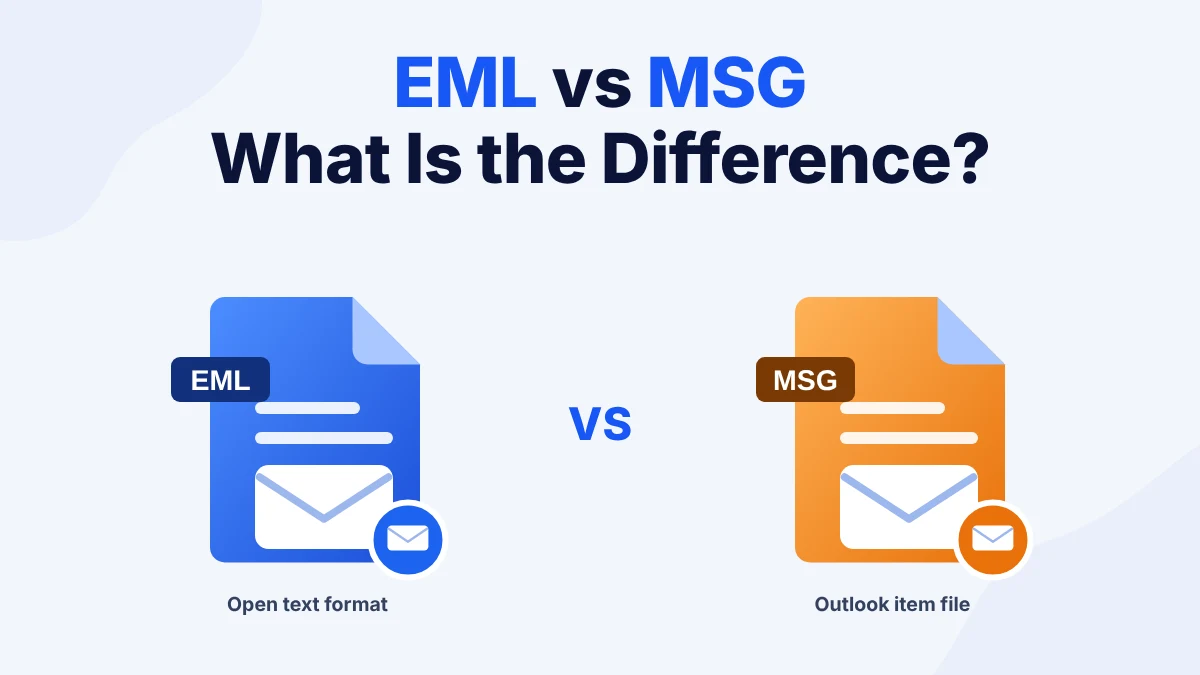
EML vs MSG comes down to who made the file. An EML file is an open text format. Many email apps open it. An MSG file is an Outlook item file. Outlook is the app that opens it best. EML suits sharing and archiving. MSG suits work that stays in Outlook. Copy your files before you convert any of them.
Table of Contents
What Is the Difference Between EML vs MSG?
EML vs MSG is a question about the app behind the file. Both formats store one email message with its headers and body and its attachments. The EML format follows open internet standards so many apps can open it. According to Microsoft, the MSG format describes how Outlook items become files. The page lists email messages and also appointments and contacts and tasks.
People compare MSG vs EML when they save a message from Outlook and then try to open it somewhere else. Others receive both types in one case folder. Users can learn how the EML file format works before they decide which one to keep.
This guide explains EML vs MSG in plain terms. It also shows how to open an EML file without Outlook and how to move EML files into Outlook.
How Do EML and MSG Compare Side by Side?
The table below shows where EML vs MSG differs most.
| Point | EML | MSG |
|---|---|---|
| Made by | Many email apps | Microsoft Outlook |
| Standard | Open internet standard | Microsoft specification |
| Stores | One email message | Email messages and other Outlook items |
| Opens in | Outlook and Thunderbird and Apple Mail and browser tools | Outlook first |
| Best for | Sharing and archiving and evidence | Work that stays in Outlook |
EML is plain text with the headers at the top and the attachments encoded inside. MSG is a binary file that carries Outlook details such as categories and flags. This is why a text editor shows an EML message but only garbled characters for an MSG file. Users can read the EML file format structure to see the headers and MIME parts inside an EML file.
Which Apps Open EML and MSG Files?
In the EML vs MSG comparison Outlook opens both types. Thunderbird and Apple Mail open EML files without any extra step. A browser tool opens EML files on any device. MSG files need Outlook or a viewer built for MSG.
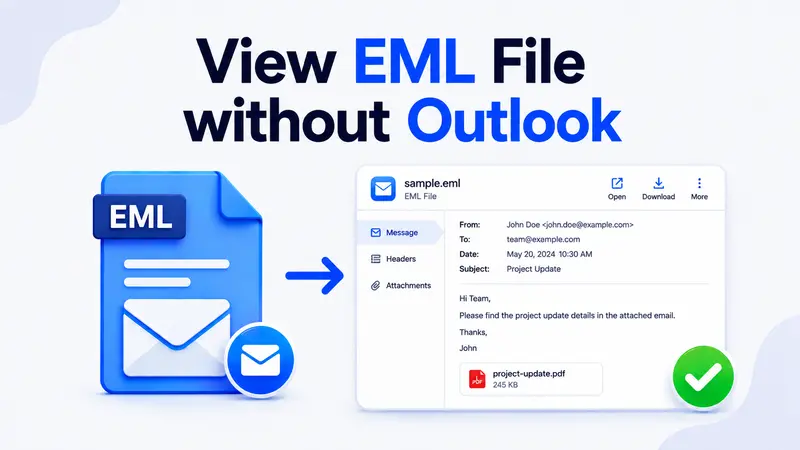
Users who have no Outlook can read how to view an EML file without Outlook. The same guide lists the apps that work on Windows and Mac.
How Do You Open an EML File Without Outlook?
Users who only need to read the message use a browser tool. The steps below open an EML file without installing anything.
- Open the EML Reader browser tool.
- Select the .eml file from your computer.
- Read the headers and the body in the preview.
- Save the attachments from the attachment list.
The tool opens the message and does not change the file. Use it when an EML file arrives on a device with no mail app.
Open an EML File Without Outlook
Preview the headers and the body of any EML message in your browser. No install is needed.
Which Format Should You Choose?
The choice in EML vs MSG depends on where the message goes next.
- Choose EML when you share the message with someone on another platform. EML also suits long term archives and forensic work because many tools read it.
- Choose MSG when the message stays in Outlook. MSG retains Outlook details that EML does not carry.
- Stay with the source format when you only store the file. A conversion adds a step and the original is the safest copy.
Users who must work in Outlook with EML files need a conversion step. The next section shows how.
How Do You Move EML Files Into Outlook?
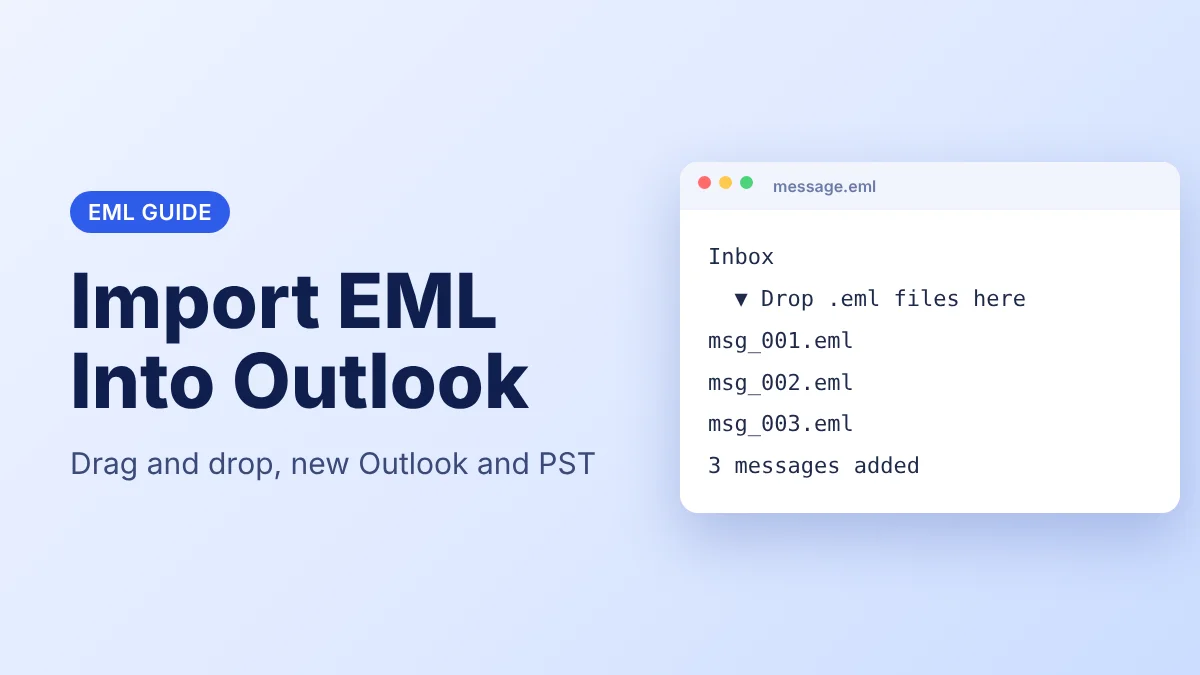
Outlook does not import EML files through its wizard. Users with a few files can drag them into a classic Outlook folder. Users who need the steps can read how to import EML files into Outlook.
Users with a large folder choose dedicated software. EML Viewer Pro Plus exports the EML files to a PST file that Outlook opens. The PST holds the messages in folders so you do not open each message alone. Users can also read how to convert EML to PST with manual and bulk methods.
A clear EML vs MSG choice before you convert saves rework later.
Move EML Files Into Outlook
Convert a whole folder of EML files to PST and open the result in Outlook.
Frequently Asked Questions
What Is the Main Difference Between EML vs MSG?
EML is an open format that many apps open. MSG is an Outlook format that Outlook opens best. Both store one email with its attachments.
Can I Open an EML File Without Outlook?
Yes. Thunderbird and Apple Mail open EML files. A browser tool opens them on any device with no install.
Is an EML File Plain Text?
Yes. The headers and the body are text and the attachments are encoded as text inside the file. A text editor shows the message.
Does EML Carry Less Outlook Detail Than MSG?
Yes. MSG retains Outlook details such as categories and flags. EML carries the message and the attachments.
Can Thunderbird Open an MSG File?
Not by default. Thunderbird opens EML files natively. MSG files need Outlook or a tool built for them.
Can I Convert EML Files to PST for Outlook?
Yes. Dedicated software exports a folder of EML files to one PST file. Outlook opens the PST and shows the messages in folders.
Which Is Safer to Store for the Long Term in EML vs MSG?
EML is the safer choice for a long term archive. Many tools open it and it follows an open standard. Copy the files first before you convert any of them.