EML File Format Structure: Headers, MIME Parts and Encoding

Quick Answer
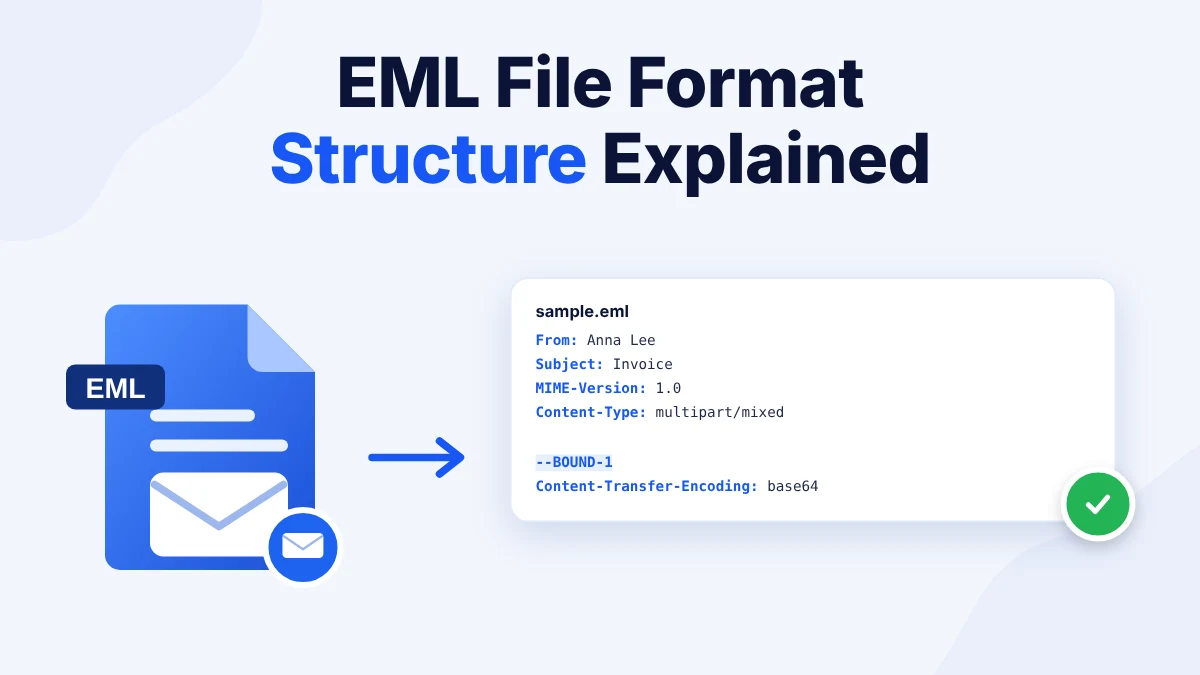
The EML file format structure has two main parts.
A header block comes first.
A blank line ends it.
The body follows as plain text or HTML.
MIME parts split the body and the attachments.
Base64 encodes attachments as text.
RFC 5322 and MIME set the rules.
A text editor shows the raw file.
Copy your .eml files before you edit any of them.
Table of Contents
- What Is the EML File Format Structure?
- What Does an EML File Look Like?
- What Do the Headers Contain?
- How Do MIME Parts and Encoding Work in an EML File?
- Which RFC Standards Define the EML File Format?
- What Problems Can Appear in the EML File Format Structure?
- How Do You Open an EML File to See Its Structure?
- Frequently Asked Questions
What Is the EML File Format Structure?
The EML file format structure is a plain text layout with a header block on top and a body below it. A blank line separates the two. MIME parts split the body into text and attachments so one file can carry a full message. Users who are new to the file type can first learn what an EML file is and then return here for the technical layout.
People study the EML file format structure when a message opens wrong or when a parser fails. Others check a saved message as evidence or write code that parses mail. This guide shows the EML file format structure with an EML format example and explains the headers and the encoding and the RFC rules.
What Does an EML File Look Like?
Open an .eml file in a text editor and you see the raw message. The EML format example below shows the EML file format structure with seven headers and three MIME parts. Save it as sample.eml to test it in any mail app or browser tool.
From: Anna Lee <anna@example.com>
To: Ben Cole <ben@example.org>
Subject: Invoice for October
Date: Tue, 03 Nov 2026 10:15:00 +0530
Message-ID: <a1b2c3@example.com>
MIME-Version: 1.0
Content-Type: multipart/mixed; boundary="BOUND-1"

--BOUND-1
Content-Type: multipart/alternative; boundary="BOUND-2"

--BOUND-2
Content-Type: text/plain; charset="utf-8"
Content-Transfer-Encoding: quoted-printable

Hi Ben,

Please find the invoice attached.

--BOUND-2
Content-Type: text/html; charset="utf-8"
Content-Transfer-Encoding: quoted-printable

<p>Hi Ben,</p><p>Please find the invoice attached.</p>
--BOUND-2--

--BOUND-1
Content-Type: text/plain; name="invoice.txt"
Content-Disposition: attachment; filename="invoice.txt"
Content-Transfer-Encoding: base64

SW52b2ljZSAxMDQyClRvdGFsIGR1ZTogMjUwCg==
--BOUND-1--
The example uses example.com addresses. A mail parser opened it and found a plain text part and an HTML part and one attachment named invoice.txt. This is what an EML file looks like inside and it matches the EML file format structure above.
View Message Parts
Open an EML file online and see its headers and body and attachments in a clean layout.
What Do the Headers Contain?
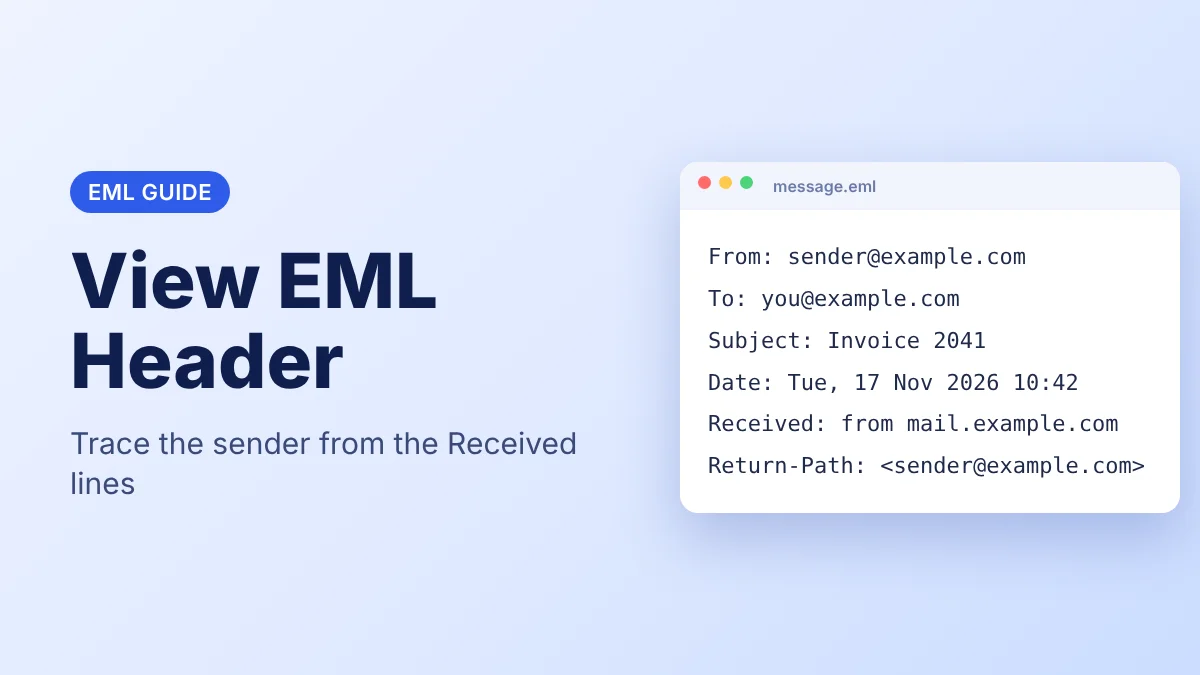
The header block is the first layer of the EML file format structure. It lists one field per line. Every field has a name and a colon and a value. A long field folds onto the next line and that line starts with a space. According to RFC 5322, a line must not exceed 998 characters and should not exceed 78.
| Header | What It States |
|---|---|
| From | The sender name and address |
| To | The recipient address |
| Subject | The subject line |
| Date | The date and time the sender sent the message |
| Message-ID | A unique code for the message |
| MIME-Version | The MIME version, which is 1.0 |
| Content-Type | The type of the body and the boundary text |
Mail servers add Received lines above this block as the message travels. Users who want to trace a sender can read how to view EML header data.
How Do MIME Parts and Encoding Work in an EML File?
MIME stands for Multipurpose Internet Mail Extensions. The Content-Type header tells the app how to split the body. In the sample, multipart/mixed names the boundary BOUND-1. A line with a double dash and the boundary text opens a new part. The final boundary ends with a second double dash.
The first part is a multipart/alternative block with a plain text version and an HTML version. The app shows the version it can render. The second part is the attachment. This nesting is the core of the EML MIME format and of the EML file format structure.
The Content-Transfer-Encoding header names the EML file encoding. According to RFC 2045, the allowed values are 7bit and 8bit and binary and quoted-printable and base64. Quoted printable suits text with a few special characters. The charset value, for example utf-8, tells the app how to show the letters.
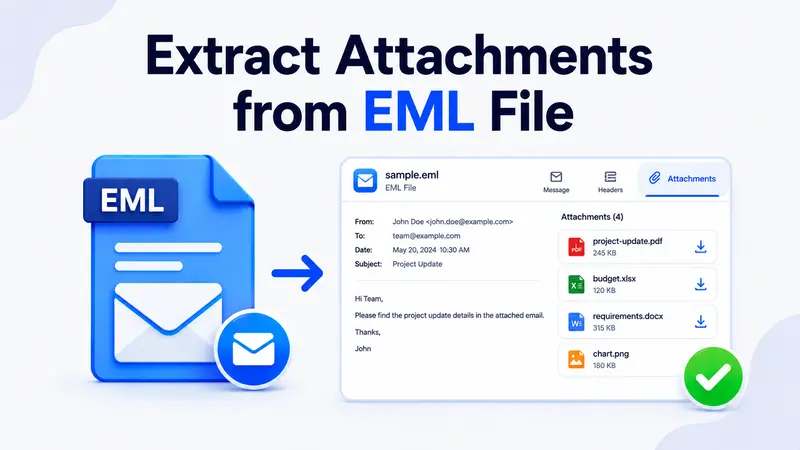
EML file base64 encoding turns a binary file into text so the entire message remains plain text. The output has lines of 76 characters or fewer and adds about 33 percent to the attachment size. Users who need the files out of a message can read how to extract attachments from EML files.
Which RFC Standards Define the EML File Format?
Two groups of standards define the EML file format specification and the EML file format structure. RFC 5322 covers the message and replaced RFC 2822 in 2008. RFC 2822 had replaced RFC 822. The MIME rules for parts and encoding sit in RFC 2045 and the RFCs that follow it from 1996.
The EML file MIME type is message/rfc822. RFC 2046 defines that type for an email message. Mail apps use the extension when they save a message to disk.
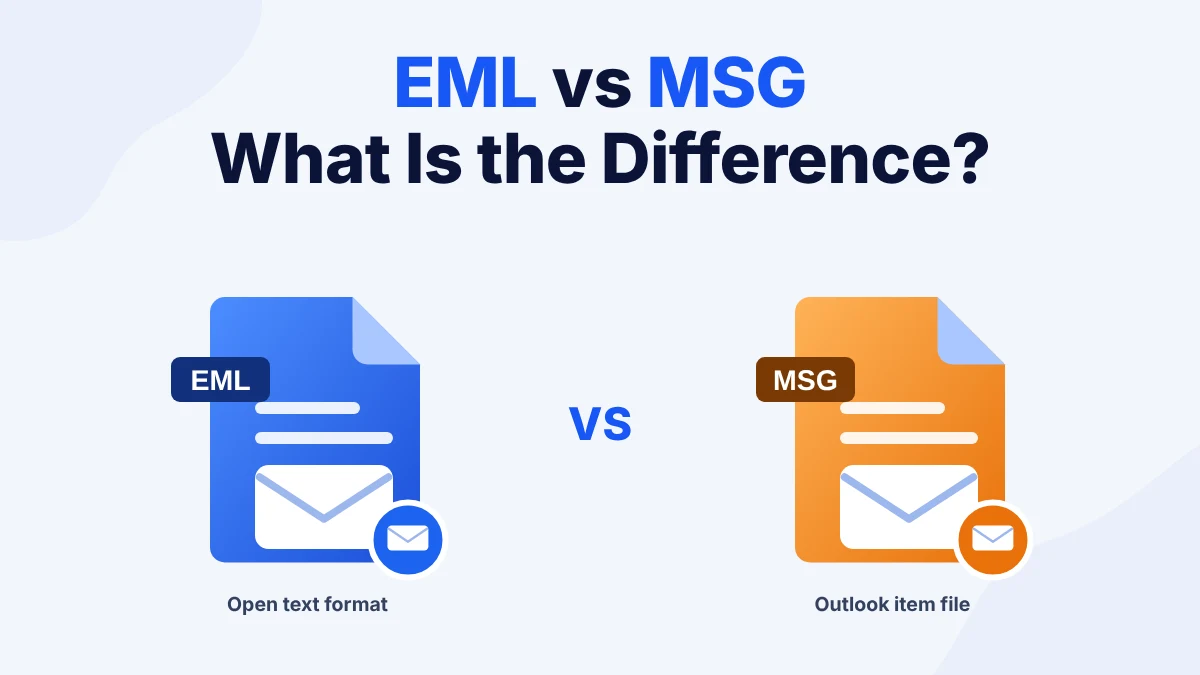
MSG is different because Microsoft defines it and no RFC covers it. Users can read the difference between EML vs MSG to see how the two formats compare.
What Problems Can Appear in the EML File Format Structure?
- A boundary line is missing. The app cannot split the parts so an attachment appears as long text.
- The blank line after the headers is missing. The app treats the first body lines as headers and the message opens damaged.
- The charset is wrong. Letters show as symbols. Set the editor or the app to utf-8.
- The file ends early. A damaged copy stops before the closing boundary and the message fails to open. Restore the file from your original copy.
How Do You Open an EML File to See Its Structure?
A plain text editor shows the raw EML file format structure. Right click the .eml file and select Open with then Notepad or any text editor. Edit only a copy because a change to a boundary line breaks the message.
Users who want a clean view of the EML file format structure can use the EML Reader browser tool. It shows the headers and the body and the attachments in a clean layout and does not change the file. Copy your .eml files before you edit any of them.
Check Your Own File
Select an .eml file and see how its headers and attachments are laid out.
Frequently Asked Questions
What Is the Structure of an EML File?
The EML file format structure has a header block and a body. A blank line separates them. MIME parts split the body into text and attachments.
Is an EML File Plain Text?
Yes. The headers and the body are text. Base64 encodes the attachments as text so the file remains readable in an editor.
What Is the MIME Type of an EML File?
The MIME type is message/rfc822. RFC 2046 defines it for an email message.
Which RFC Defines the EML File Format?
RFC 5322 defines the message. The MIME rules sit in RFC 2045 and the RFCs after it.
How Are Attachments Encoded in an EML File?
Base64 turns the file into text lines of 76 characters or fewer. The attachment part names the file and its type.
Can I Edit the Structure of an EML File in a Text Editor?
Yes. Open a copy in a plain text editor. Do not change the boundary lines or the blank line after the headers because the message breaks.
Where Can I Get a Sample EML File?
Copy the sample from this page into a text editor and save it as sample.eml. Any mail app or browser tool opens it.