How to Print EML Files on Windows 10 and Mac

Quick Answer
You can print EML files in four ways. Outlook prints one message from its own window. Thunderbird opens the file and prints it. Apple Mail does the same on a Mac. Dedicated software prepares many files for print. It saves the messages as PDF first. You then print the PDF files together. Windows has no default app for .eml files. Copy your .eml files before you start.
Table of Contents
- Can You Print EML Files?
- Method 1: Print EML File in Outlook
- Method 2: Print EML Files in Thunderbird
- Method 3: Print EML File on a Mac With Apple Mail
- Method 4: Print Multiple EML Files With EML Viewer Pro
- Why Does an EML Print Look Wrong?
- Which Way Should You Print EML Files?
- Frequently Asked Questions
Can You Print EML Files?
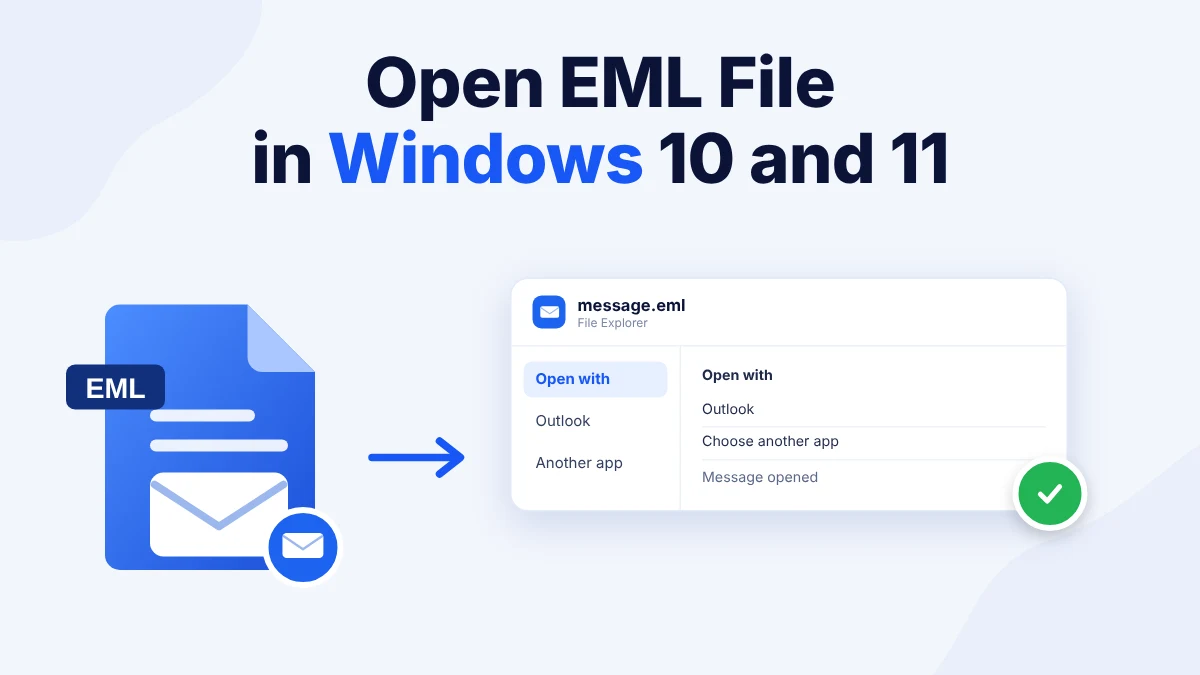
Yes. You can print EML files from any app that opens the message. An EML file is a plain text email so a mail app must open it first and the print then comes from that app. Windows has no default app for .eml files. Users select the app the first time and can read how to open EML file in Windows before they print.
People print EML files for legal records and audits and invoices and paper filing. One message prints in a minute. A folder of hundreds does not so the last method prepares the files in a printable format first. This guide shows how to print EML files on Windows 10 and on a Mac and in bulk.
Method 1: Print EML File in Outlook
Users who already have classic Outlook choose this method. Outlook shows the headers and the body in the print.
- Right click the .eml file and select Open with then Outlook.
- Click File and then Print in the message window.
- Select a printer and click Print.
Outlook opens the message in its own window and does not add it to a folder. Users who see an error can read why an EML file is not opening in Outlook.
Method 2: Print EML Files in Thunderbird
Users who prefer Thunderbird choose this method. It works on Windows and Mac.
- Open Thunderbird and select File then Open then Saved Message.
- Select the .eml file and click Open.
- Press Ctrl+P and select a printer.
- Click Print.
Thunderbird prints the headers it shows on screen. Set View then Headers then All first if you need the full header block. Users who want to add the files to Thunderbird can read how to import EML files in Thunderbird.
Method 3: Print EML File on a Mac With Apple Mail
Mac users choose this method. Apple Mail is already on the Mac.
- Right click the .eml file in Finder and select Open With then Mail.
- Click File and then Print.
- Choose Fit to Page if the text is cut and click Print.
Apple Mail opens the message without adding it to a mailbox.
Method 4: Print Multiple EML Files With EML Viewer Pro
Users with a folder of messages choose dedicated software. A mail app prints one message at a time so a folder of hundreds takes hours. A printable format solves this. The advanced software opens the EML files in a folder and saves the messages you need as PDF. You then select the PDF files in File Explorer and print them together.
This is the way to bulk print EML files without opening each message. Users who want the PDF without a print can read how to convert EML to PDF. Test the software on one folder first.
Print Many EML Files at Once
Open a folder of EML files and save the messages you need as PDF so you can print them together.
Why Does an EML Print Look Wrong?
- The print is blank. The file may be damaged or empty. Open it in the EML Reader browser tool to check that the body exists.
- Headers or the date are missing. The app prints only the headers it shows. Show all headers in the app and print again.
- Pictures show as empty boxes. The app blocks remote images. Allow the images and print again.
- The text is cut at the page edge. Choose Fit to Page in the print window.
- Attachments do not print. The print shows the attachment names only. Open each attachment and print it on its own.
Which Way Should You Print EML Files?
Outlook and Thunderbird and Apple Mail fit a few messages. Dedicated software fits a large folder. Check a file in the browser tool first when you are unsure that the message is complete.
Copy your .eml files before you start so that you can repeat any step. Users who need a longer guide for other apps can read how to view an EML file without Outlook.
Check the Message First
Open an EML file in your browser and confirm the body and the date before you print.
Frequently Asked Questions
Can I Print EML Files Without Outlook?
Yes. Thunderbird and Apple Mail open the file and print it. Choose the app you already have.
How Do I Print EML Files in Windows 10?
Open the file in Outlook or Thunderbird. Click File then Print and select a printer. Windows 11 works the same way.
How Do I Print Multiple EML Files at Once?
A mail app prints one message at a time. Dedicated software saves many messages as PDF first so you can print the files together.
Can I Bulk Print EML Files With Attachments?
A printed message shows the attachment names and not the file contents. Open each attachment and print it on its own.
Why Does an EML File Print as Plain Text?
A text editor prints the raw code of the message. Open the file in a mail app and print from there.
Does Printing Change the EML File?
No. A print copies the message to paper and leaves the .eml file as it was. Copy the files first anyway.
Can I Print EML Files on a Mac?
Yes. Open the file with Apple Mail then select File and Print. Choose Fit to Page if the text is cut.