EML vs PST File: Which Format Fits Your Outlook Mailbox?

Quick Answer
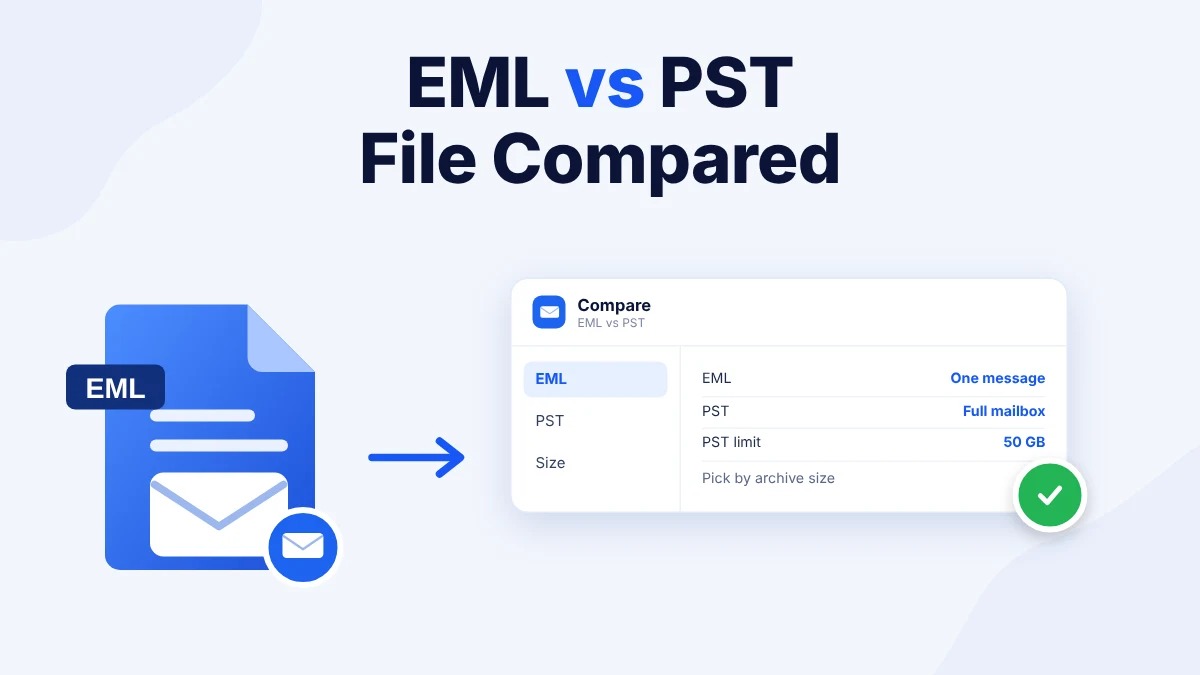
EML vs PST comes down to one message or many. An EML file stores one email as plain text. A PST file stores many items in Outlook folders. Many apps open EML and only Outlook opens PST. PST suits a full mailbox and EML suits sharing. Microsoft sets the default Unicode PST limit at 50 GB. Dedicated software can export EML files to PST. Copy your .eml files before you convert any of them.
Table of Contents
What Is the Difference Between EML vs PST?
EML vs PST is a question about how Outlook and other apps store mail. An EML file stores one email message with its headers and body and attachments as plain text. According to Microsoft, a PST file is an Outlook data file that contains messages and other Outlook items. These include contacts and appointments and tasks and notes. A PST file stores all of them in folders inside one file.
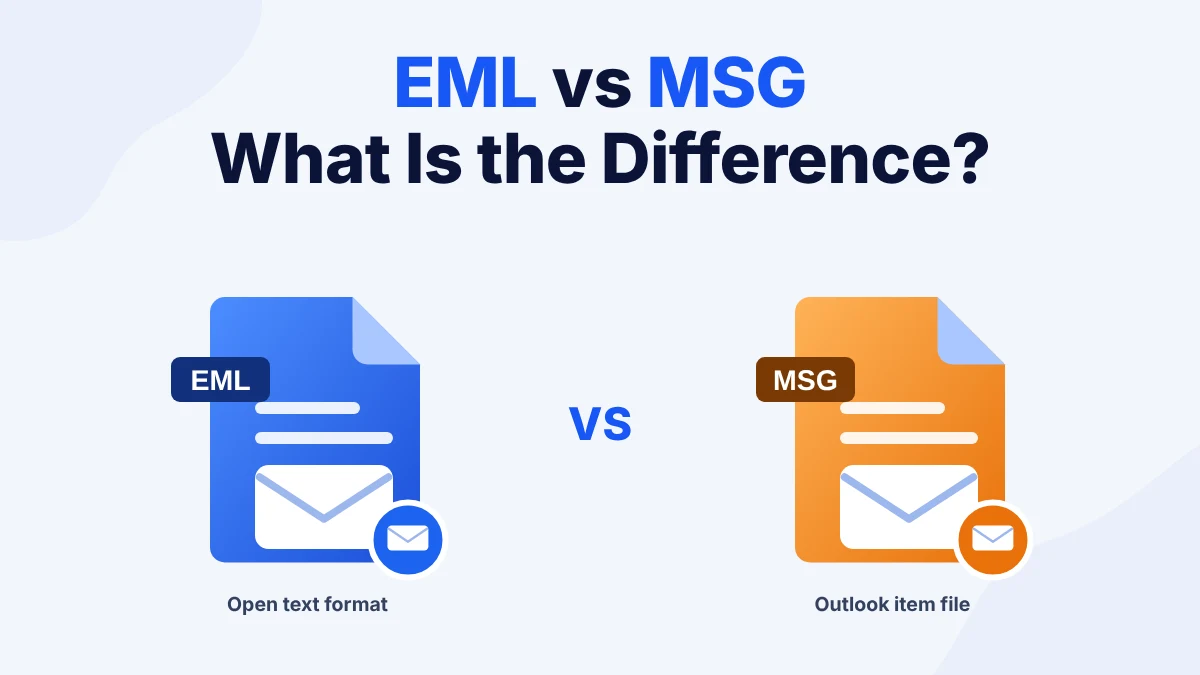
People compare an EML vs PST file when they move mail into Outlook or plan an archive. Users who are new to the file type can first learn what an EML file is. Users who need the MSG comparison can read the difference between EML vs MSG.
This guide explains EML vs PST in plain terms and shows which one fits your mailbox.
How Do EML and PST Compare Side by Side?
The table below shows where EML vs PST differs most.
| Point | EML | PST |
|---|---|---|
| Stores | One email message | Many messages and other Outlook items in folders |
| Made by | Many email apps | Microsoft Outlook |
| Opens in | Outlook and Thunderbird and Apple Mail and browser tools | Outlook |
| File type | Plain text | Outlook data file |
| Best for | Sharing and evidence and single messages | A full mailbox and an Outlook archive |
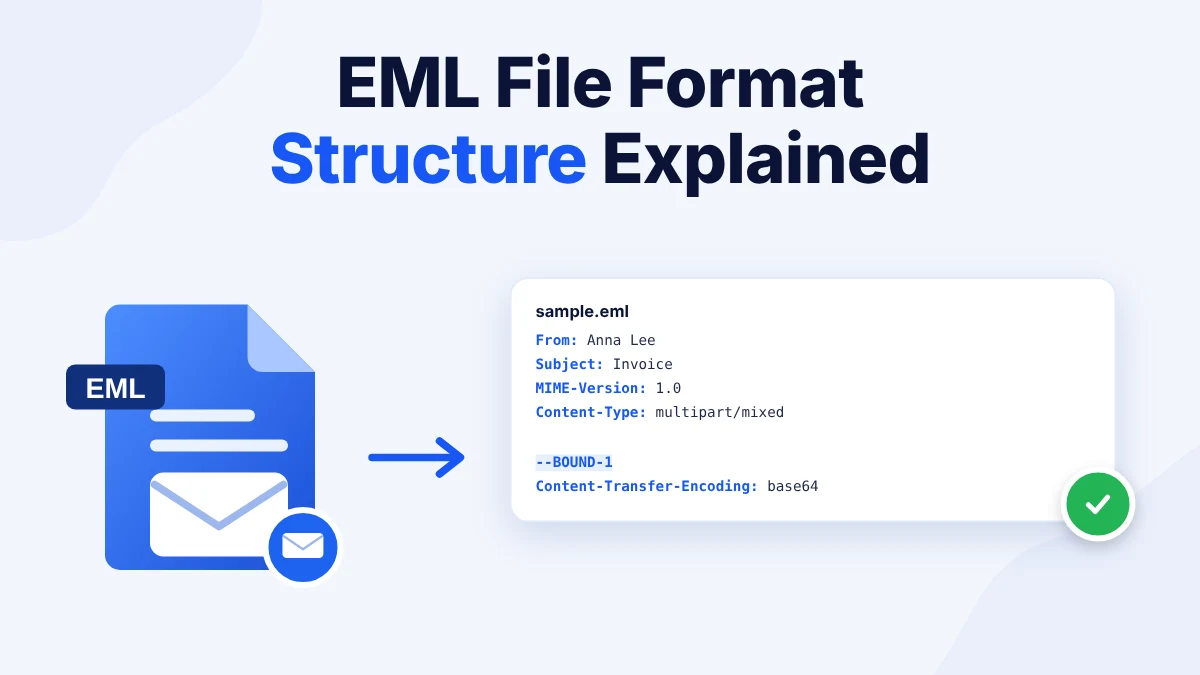
An EML file has the headers at the top and the attachments encoded inside. Users can read the EML file format structure to see how the parts sit in the file.
How Does Outlook Treat EML and PST Files?
Outlook EML vs PST differs in how Outlook opens the two files. A double click opens an EML file as one message in its own window and Outlook does not add it to a folder. A PST file opens through File then Open and Export then Open Outlook Data File. Its folders then appear in the folder pane.
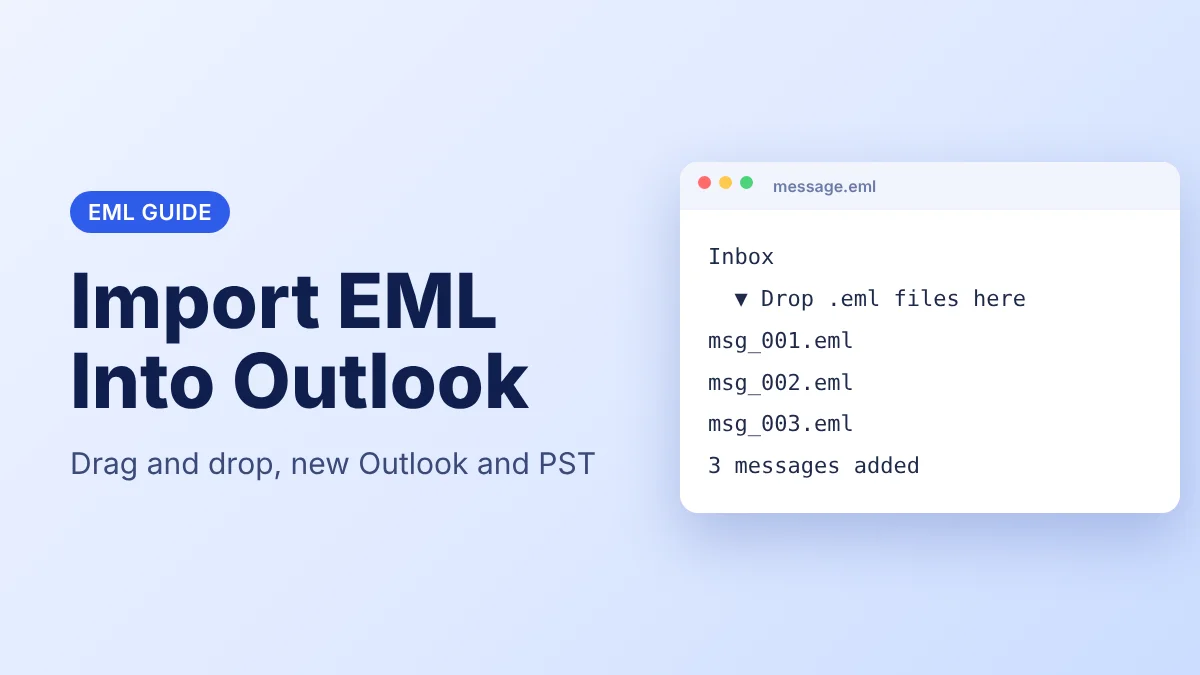
Outlook does not import EML files through its wizard. Users with a few files can drag them into a classic Outlook folder. Users can read how to import EML files into Outlook for the steps.
What Are the PST Size Limits?
According to Microsoft, the default maximum size of a Unicode PST file is 50 GB and Outlook warns at 47.5 GB. The older ANSI format stops at about 2 GB. A folder of EML files has no single file limit because every message is its own file.
The EML vs PST size limit matters for a large archive. A PST file that reaches its maximum stops accepting new items. Users with a large mailbox split the data across more than one PST file.
Which Format Suits Your Use Case?
- Choose EML to share one message or archive evidence. Many apps open it.
- Choose PST to move or archive a full Outlook mailbox.
- Choose EML when the receiver has no Outlook. Thunderbird and Apple Mail open it.
- Choose PST when the folder is large. One file is easier to move than thousands of EML files.
Users who choose EML in the EML vs PST decision and only need to open a file with no mail app can use the EML Reader browser tool.
Open EML Files Without Outlook
Open an EML file online with no mail app and see the headers and the body.
How Do You Move EML Files Into a PST?
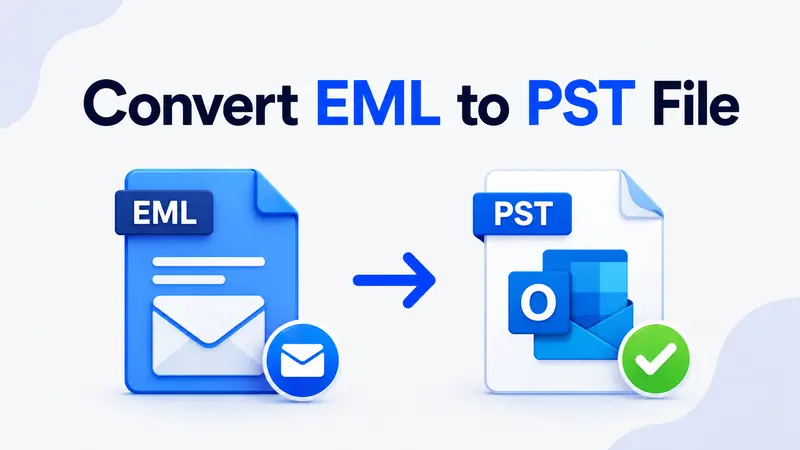
Users with a large folder choose dedicated software to settle EML vs PST for the entire archive. EML Viewer Pro Plus exports the EML files to a PST file that Outlook opens. The PST stores the messages in folders so you do not open the messages one by one. Users who prefer manual steps can read how to convert EML to PST.
Copy your .eml files before you convert any of them. The copy lets you repeat the export if a message fails.
Export EML Files to a PST
Move a folder of EML files into one PST file and open it in Outlook.
Frequently Asked Questions
What Is the Difference Between EML vs PST?
EML stores one message as plain text. PST stores many messages and other Outlook items in folders. Outlook opens both.
Is EML or PST Better for Archiving?
EML suits single messages and evidence. PST suits a full Outlook mailbox. Choose by the size of the archive.
Can Outlook Open an EML File?
Yes. Outlook opens an EML file in its own message window. It does not add the message to a folder.
Can I Convert an EML File to PST?
Yes. Dedicated software exports a folder of EML files to one PST file. Outlook opens the PST and shows the messages in folders.
What Is the Maximum Size of a PST File?
According to Microsoft, the default maximum for a Unicode PST file is 50 GB. The older ANSI format stops at about 2 GB.
Does a PST File Contain More Than Email?
Yes. According to Microsoft, a PST file also contains contacts and appointments and tasks and notes. An EML file contains one email.
Which Is Easier to Share, EML or PST?
EML. One small file carries one message and many apps open it. A PST file is large and needs Outlook.